Security
How we protect your workspace
Tascimo holds your team's work and time data, so we keep the safeguards simple, specific and honest. This page describes what is in place today.
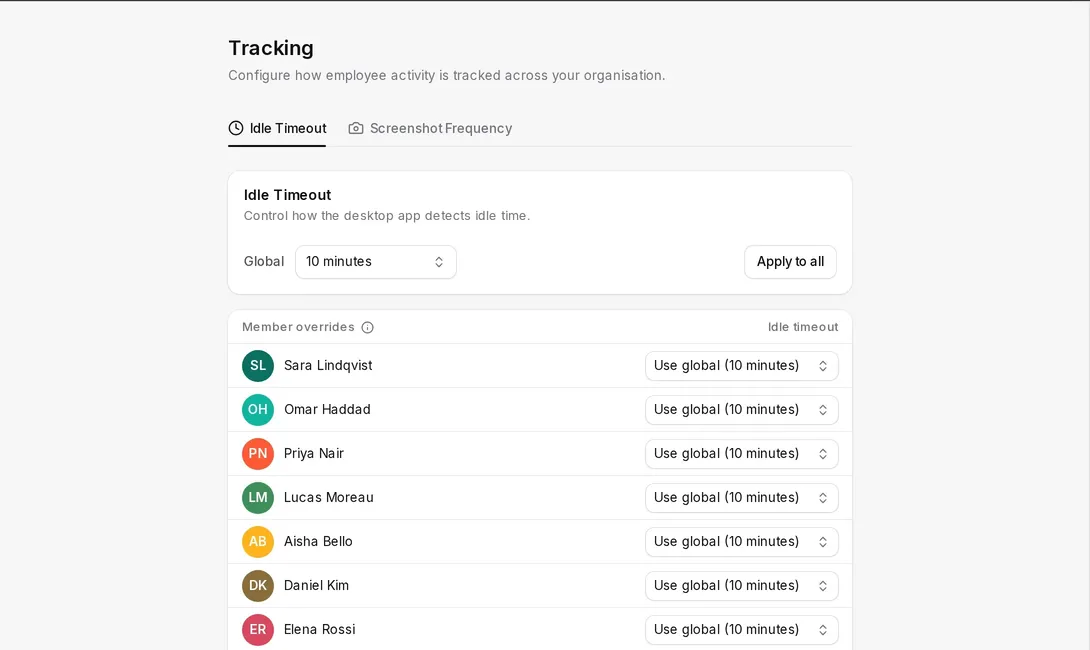
Tracking settings
Rules set before the timer starts
Admins choose the idle timeout and how often screenshots are taken, for everyone or person by person.
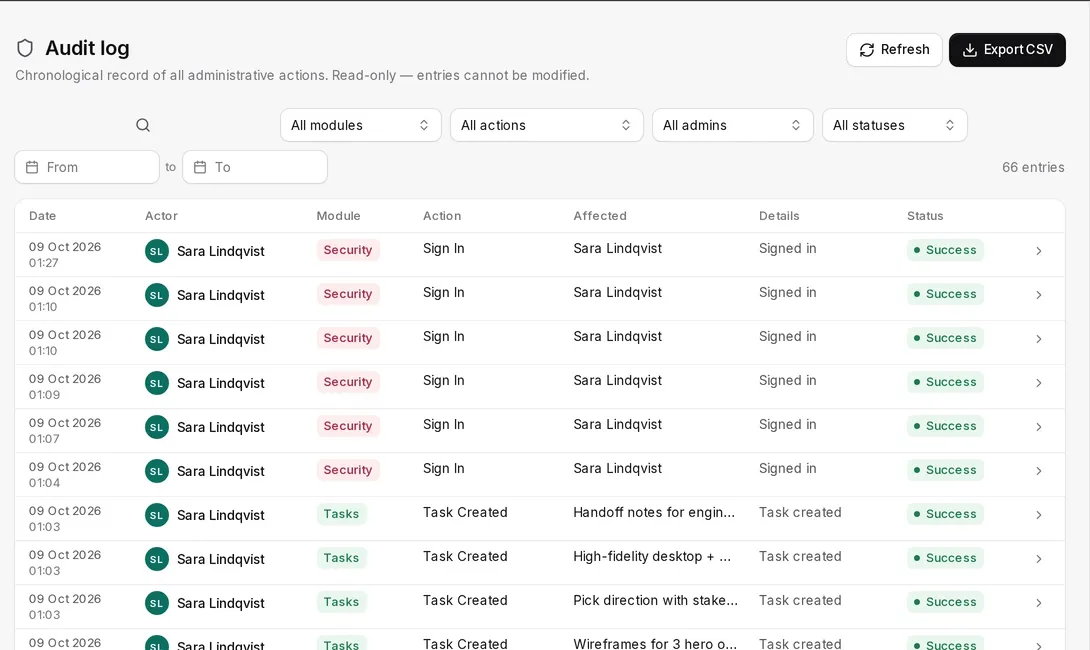
Audit log
Every important change, on record
Sign-ins, role changes and tracking-setting changes are logged with who made them and when, and can be exported as CSV.
What is in place today
Accounts and sign-in
- Passwords are stored only as bcrypt hashes; we never store or see your password.
- Session refresh tokens are stored as hashes, can be revoked, and expire after 7 days (30 with “remember me”).
- Password reset links expire after one hour and work once.
Access control
- Admin, Manager, Employee and guest roles decide who can see and change what.
- API keys are shown once when created and stored only as hashes.
- Invitations are single-use links that expire.
Audit log
- Sign-ins, password changes, member and role changes and tracking-setting changes are recorded.
- Each entry keeps who made the change, when, from which IP address and device.
Data in transit
- The Tascimo web app, API and desktop app communicate over HTTPS.
Storage and deletion
- Files, attachments and screenshots are stored with Amazon Web Services in the EU (Stockholm region).
- Deleted projects and tasks go to a trash bin first and are removed after the retention period (30 days by default).
Desktop app
- The keys you press and the text you type are never recorded; the app only notes whether the keyboard or mouse was in use.
- Activity is stored locally while offline and synced to your workspace when the connection returns.
Report a vulnerability
If you believe you have found a security issue in Tascimo, email security@tascimo.com with the steps to reproduce it. Please give us reasonable time to fix it before telling others, and do not access or change data that is not yours. For how we handle personal data, see our Privacy Policy.